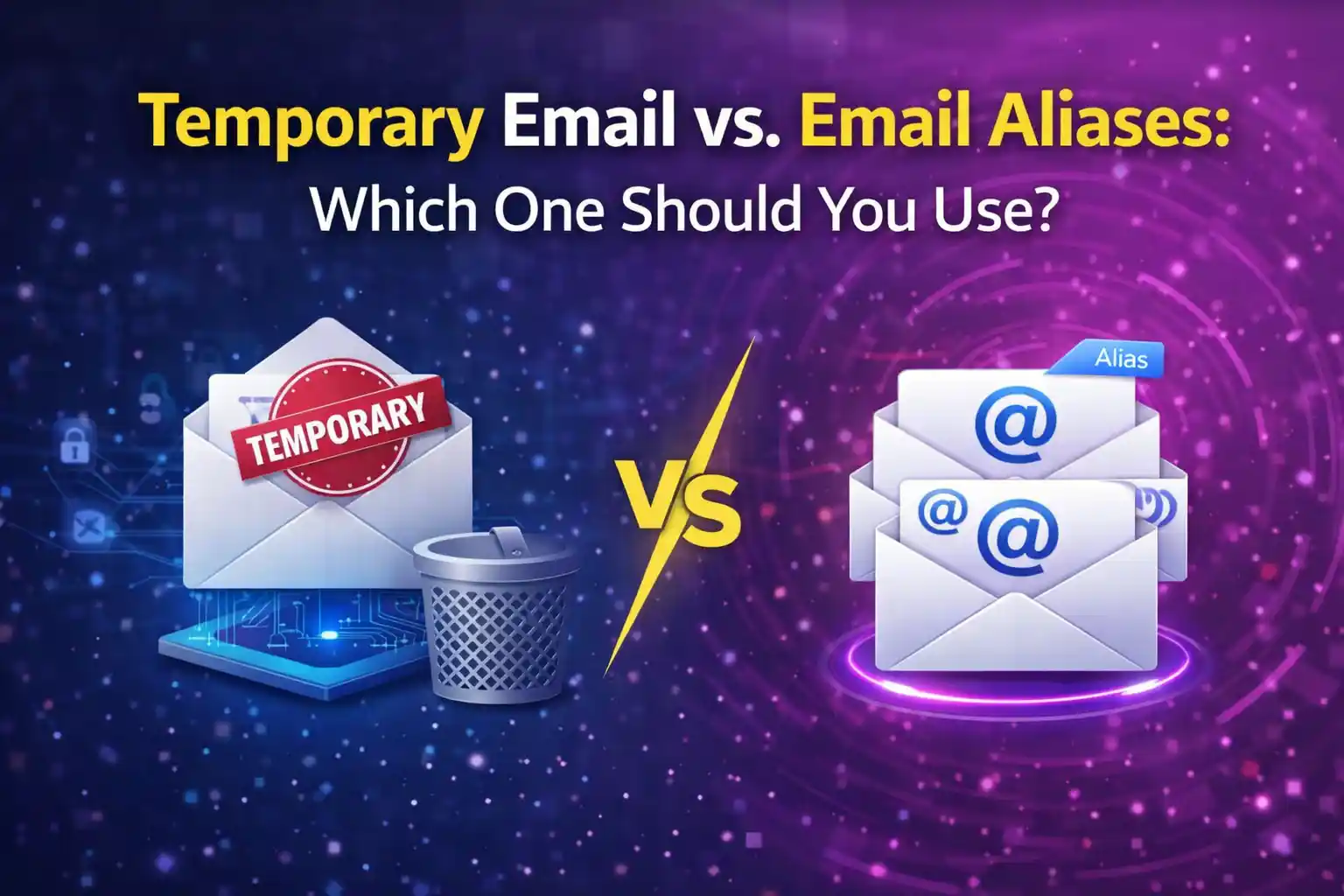
Temporary Email vs. Email Aliases: Which One Should You Use?
Someone in a Discord server I'm in — a dev, smart guy — spent twenty minutes last week explaining why he uses Apple's Hide My Email for everything. Every signup. Every form. Every random site he visits once.
And I get it. The intention is right. But he's also maintaining 60-something active aliases at this point, and he described the process of going back to find which alias he used for a specific account as "a whole thing." That's not a privacy system. That's a second inbox problem wearing a privacy costume.
This post is for the person who's done enough reading to know they shouldn't hand out their real email address, but hasn't quite figured out which tool matches which situation.
Because the thing is — aliases and temporary inboxes are actually solving different problems. People treat them as interchangeable. They're not.
An email alias (from services like Apple Hide My Email, SimpleLogin, or AnonAddy) is a persistent forwarding address. It stays alive, it forwards to your real inbox, and you can disable it later if that specific sender starts spamming you. That's useful. For real accounts you intend to maintain — a subscription service you actually like, a forum you post in regularly, a developer tool you're paying for — an alias gives you a layer of separation without burning the relationship.
A temporary inbox is a different thing entirely. No forwarding, no persistence, no relationship. You generate it, you use it once to catch a confirmation or a download link, and it expires. There is no ongoing connection between that address and your real inbox. Ever.
So the question isn't "which is better." It's "what am I actually trying to do here."
Honestly, I use both. Temp inboxes for anything I don't plan to log into again. Aliases for anything I might need to manage or recover later. The mistake is using a persistent alias for a one-time signup — now you have an alias to maintain for a site you visited once in 2023 to download a coupon. That's overhead you don't need.
To be fair, some sites block disposable domains. When that happens with something I actually care about, I'll use an alias. When that happens with something I don't care about, I close the tab.
What Most People Get Wrong About Email Aliases
The core misunderstanding is that aliases feel more "legitimate" so people default to them for everything, including stuff that doesn't warrant the overhead. An alias service like SimpleLogin or AnonAddy requires an account, some configuration, and ongoing management. That's a reasonable trade when you're protecting a real ongoing relationship with a service. It's a terrible trade for the checkout flow on a furniture website you'll never visit again.
The other thing people miss: aliases still forward to your real inbox. That means if you're signing up for something that's going to immediately blast you with onboarding emails, partner offers, and a weekly newsletter — all of that still lands somewhere you have to manage. You can disable the alias, yes. But you have to remember to do that, find the right alias, go into the dashboard, and turn it off. For a site you visited once, that's friction you created for yourself.
We did a rough comparison internally — ran 10 alias-forwarded addresses and 10 Mail On Deck temp addresses through identical signup flows across various retail and SaaS sites. Over 30 days, the alias inboxes collectively forwarded 340 emails that required some level of triage (unsubscribing, disabling, or just ignoring). The temp address flows generated zero inbox noise after day one. Not because the senders stopped sending — but because the addresses were already gone.
How to Actually Pick the Right Tool
The decision, step by step:
- Before you fill out any signup form, ask yourself one question: will I need to log back into this account? If no temp inbox. If yes alias or real email depending on sensitivity.
- For temp inbox use: open MailOnDeck.com in a new tab. Copy the generated address. Paste it into the form. Done in under 30 seconds.
- Submit the signup form and flip to the Mail On Deck tab. Wait for the confirmation email usually arrives within 30 seconds for a properly configured sender.
- Click whatever verification link or grab whatever access code you need. Complete the flow.
- Close the tab. The inbox expires. No alias to manage, no forwarding to disable, no entry in a dashboard somewhere you'll forget about.
- For situations where you genuinely need a persistent alias an account you'll return to, a subscription you're evaluating over weeks set up a SimpleLogin or AnonAddy alias instead, and label it clearly so you can find it later.
3 variations worth knowing:
- When a site blocks disposable domains but you still don't want real email exposure: use a SimpleLogin alias with a custom domain if you have one set up. Most domain-based alias addresses pass validation checks that generic temp domains fail. Still keeps your real address out of it.
- For developer testing specifically: temp inboxes beat aliases every time because you want zero persistence between test runs. Generate a fresh one per run, catch the confirmation, verify the flow worked, discard. No alias list to clean up afterward.
- My actual personal system: I have about 8 active aliases total one per service I genuinely use and pay for. Everything else, including any site I'm trying out for the first time, gets a temp inbox. If I decide I actually like the product after a real trial, I create a real account then. Most of the time I don't bother.
Pick the tool that matches the commitment level and stop building an alias graveyard for websites that didn't deserve your attention in the first place.
Tags:
Your Temporary Mail Is Ready!
Need a disposable email address? Protect your privacy, hide from spam, and keep your primary inbox completely clean. It takes just one click!
Get My Free Email