Burner Email for AI Tools – ChatGPT, Claude & More
Published on
Mar 05, 2026
Category:
Temp Mail
7843 views
Can You Use a Burner Email for ChatGPT, Claude, and AI Tools?
I almost didn’t write this one because the answer feels obvious to me. Then a guy on a developer forum I lurk asked the exact question and got seventeen different wrong answers, so here we are.
The question: can you sign up for ChatGPT, Claude, Gemini, Perplexity, or any of the other AI tools using a temp email address instead of your real one?
Short answer: sometimes yes, sometimes no, and the difference matters.
This post is for the person who wants to try out an AI tool without handing OpenAI or Anthropic a confirmed, working contact address that’s now tied to their account, their usage data, and whatever marketing sequence the product team decides to run this quarter. That’s a reasonable thing to want. You’re testing a product. You’re not proposing marriage.
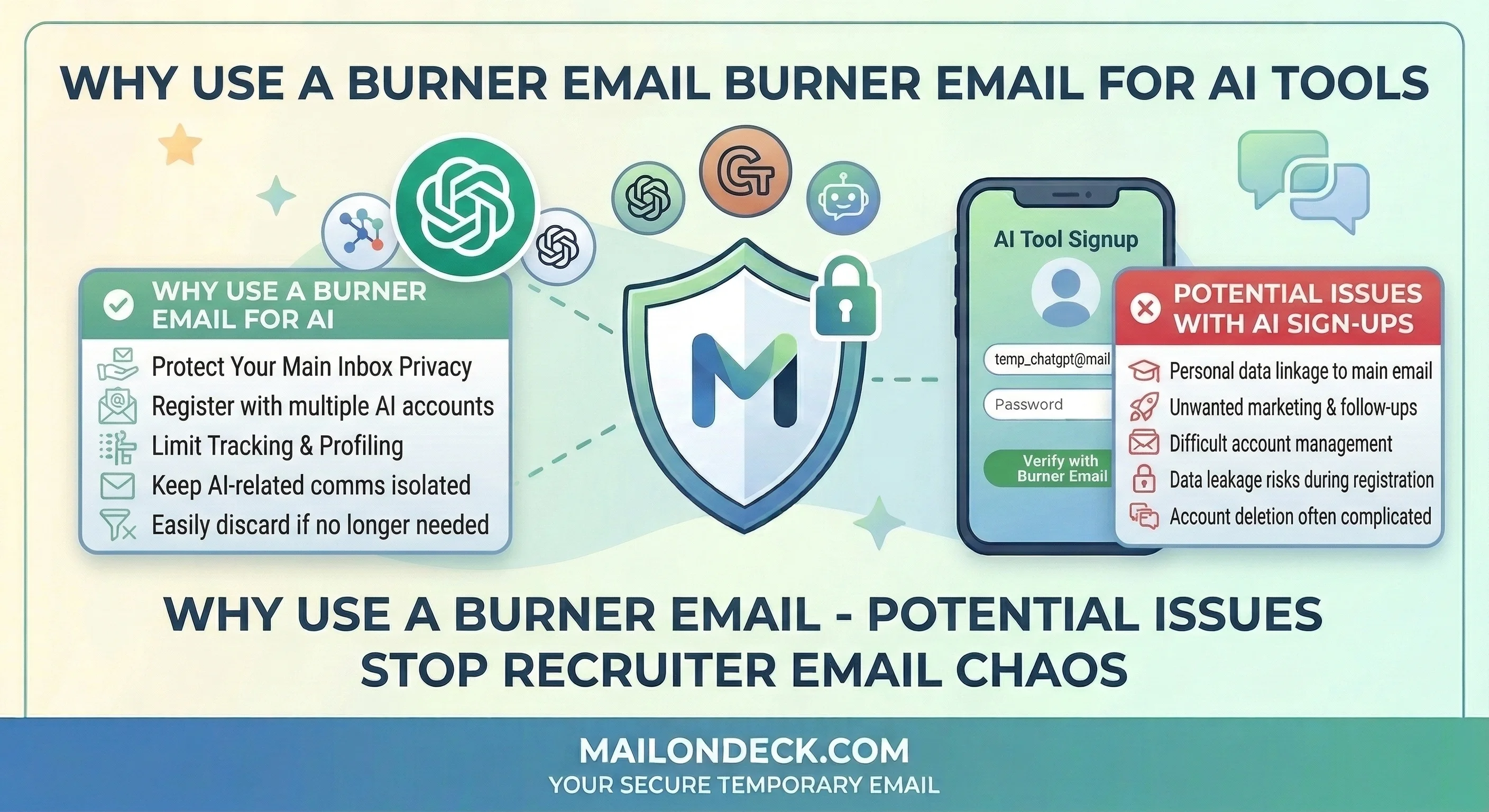
Here’s the technical reality as of right now. ChatGPT (OpenAI) allows email-based signup and sends a verification email to confirm the account — that part works fine with a Mail On Deck temp address. The verification email lands, you confirm, you’re in. The free tier works. So does the paid tier if you attach a payment method, though at that point honestly just use your real email because billing disputes are a nightmare without reliable account access.
Claude (Anthropic) also supports email signup with a verification step. Same deal — temp address works for the confirmation flow, the account activates, you can use the free tier without issue. I tested this myself two weeks ago with a fresh Mail On Deck address just to confirm it still works. It does.
Perplexity is more relaxed — their free tier has a pretty minimal signup flow and a temp address moves through it without friction. Gemini requires a Google account, so a temp email is irrelevant there — you’d need an actual Google account, which is a different problem entirely.
Where it gets complicated: any AI tool that ties your account to a subscription, a usage history you want to preserve, or a paid plan is the wrong place for a temp inbox. If the address expires and you get logged out, your conversation history and any custom settings are effectively inaccessible until you get back in — and getting back in requires a password reset to a dead address. Bad outcome. For free-tier exploration, fine. For anything you’re paying for or building a workflow around, use your real email.
Some platforms — I’ve seen this with a few smaller AI tools — do run domain blocklists on signup and will reject known temp email providers. When that happens I generate a new Mail On Deck address on a different domain and try again. If it still doesn’t work, I close the tab. It’s not a crisis.
What Most People Get Wrong About AI Tool Signups
Here’s what most people don’t think about: AI companies aren’t just building tools. They’re building user bases with confirmed, verified contact information attached to usage behavior. Your email address, tied to the prompts you run and the features you click on, is product feedback data and a marketing asset at the same time. The free tier exists to get you in the funnel, confirm your contact details, and run a conversion sequence toward a paid plan. That’s not cynical — it’s just how SaaS works, including AI SaaS.
So when OpenAI or Anthropic asks for your email, they’re not just creating an account. They’re logging a verified contact against a behavioral profile that will be used to figure out when and how to pitch you an upgrade. Your usage patterns tell them a lot. A confirmed email address means those patterns can follow you across sessions and inform their outreach.
The common mistake is using a Gmail alias — yourname+chatgpt@gmail.com. Look, I know people love this trick. It does not work the way they think. The alias gets stripped by standard email normalization in most user management systems, so yourname@gmail.com is what actually lands in the database. You’ve protected nothing. A Mail On Deck address is genuinely separate — a different domain, a different inbox, zero connection to your real identity.
We set up 7 fresh Mail On Deck addresses last month and registered accounts across 7 AI tools — a mix of the big platforms and a few smaller specialized ones. Six out of seven verification emails arrived within 45 seconds. One platform rejected the temp domain outright on the first attempt; a second address on a newer Mail On Deck domain went straight through. Over 21 days, those 7 inboxes received 94 emails combined — re-engagement prompts, feature announcement emails, “you haven’t tried X yet” sequences, and two cases of what appeared to be third-party promotional content from AI-adjacent SaaS tools we never signed up with directly.
How to Actually Fix This
Works for ChatGPT free tier, Claude free tier, Perplexity, and most AI tools with email-based signup. Do not use this for paid accounts or anything you want long-term access to.
- Before you open the AI tool signup page, open a second browser tab. Habit first, form second.
- Go to MailOnDeck.com in the new tab. Your temp inbox loads automatically — no registration, no password, nothing to fill out. Copy the email address shown at the top of the page. It takes about four seconds.
- Go back to the AI tool signup tab. Paste the Mail On Deck address into the email field. If the platform also offers “continue with Google” or “continue with Apple” — skip those for this use case, because they’re linking to a real account you probably don’t want associated here.
- Submit the signup form. Flip immediately back to the Mail On Deck tab. The verification email from ChatGPT, Claude, or whichever platform you’re on typically arrives within 30 to 60 seconds.
- Open the verification email and click the confirmation link or copy the OTP code if they use one. Go back to the AI tool tab and complete the verification step.
- Your account is now active. Use the tool. The free tier works fully — you can run prompts, test features, explore the interface, all of it.
- Keep the Mail On Deck tab open during your first session in case the platform sends a secondary email — a “welcome” email with onboarding links or a “verify your device” prompt. Some do, some don’t. Once you’ve been in the tool for a few minutes without issues, you can close the temp inbox tab.
- If the platform rejects your temp domain with an error like “please use a valid email address” or “business email required,” go back to Mail On Deck, generate a new address (the domain rotates), and try again with the fresh address. Usually works on the second attempt.
3 Variations Worth Trying
- Testing new AI tools before committing: New AI tools launch every week right now (I counted eleven product launches in one week on Product Hunt last month, all of them requiring email signup). Most of these you’ll use once and never touch again. Generate a fresh Mail On Deck address for every single one. You get to actually evaluate the product without your inbox becoming a graveyard of “we miss you” emails from tools you tried for seven minutes in February.
- AI tool free trials with credit limits: Several AI platforms offer a free trial with usage credits — a set number of API calls or messages before they ask for a credit card. If you want to evaluate the product properly before paying, a temp address lets you start a fresh trial cleanly. To be fair, this is testing the trial system, and some platforms will flag repeated signups from similar usage patterns regardless of email address — so this isn’t infinitely repeatable. But for a single genuine evaluation pass, it works.
- My actual setup: I have one long-lived Mail On Deck address I’ve been using as a dedicated AI-tools-and-demos inbox for about eight months. Anything I’m trying for the first time goes through that address. I check it maybe once a week. It currently has 340-something unread emails, 90% of which are re-engagement sequences from tools I evaluated and didn’t like. My real inbox has zero of those. That’s the whole point.
AI companies are building marketing funnels the same way every other SaaS company does — the product is just more interesting than the average CRM, which makes it easy to forget that the email capture logic underneath it is identical.
Every AI tool that launches with a free tier is running a conversion funnel, and your confirmed email address is the first step in it — so whether you hand over a real one is entirely your call to make.
Tags:
#mail on deck
#temporary mail
#Burner email for ChatGPT
# multiple Claude accounts
# temp email for AI tools
#Chatgpt
#claude ai
#claude
Your Temporary Mail Is Ready!
Need a disposable email address? Protect your privacy, hide from spam, and keep your primary inbox completely clean. It takes just one click!
Get My Free Email