Disposable Email for Streaming Trials – What Works
Published on
Mar 07, 2026
Category:
Temp Mail
7553 views
Do Disposable Emails Work for Streaming Free Trials? (Netflix, Hulu, Spotify)
My brother-in-law asked me this question over dinner last month. He wanted to try Peacock for two weeks to watch one specific show, then cancel. Simple enough. But he’d already burned his free trial on that account years ago and didn’t want to hand them his real email again just to create a second one.
Fair. Completely fair.
So here’s the honest answer, which is more complicated than most people want it to be: it depends heavily on the platform, and more importantly it depends on whether the platform requires a payment method to start the trial.
That last part is the thing that changes everything. Let me explain.
This post is for the person who wants to try a streaming service for a specific reason — a show, a sporting event, a documentary series — without handing over a permanent, real email address to a company whose entire post-trial strategy is to make canceling feel like filing taxes. That’s a totally normal thing to want, and the streaming industry has made it unnecessarily adversarial.
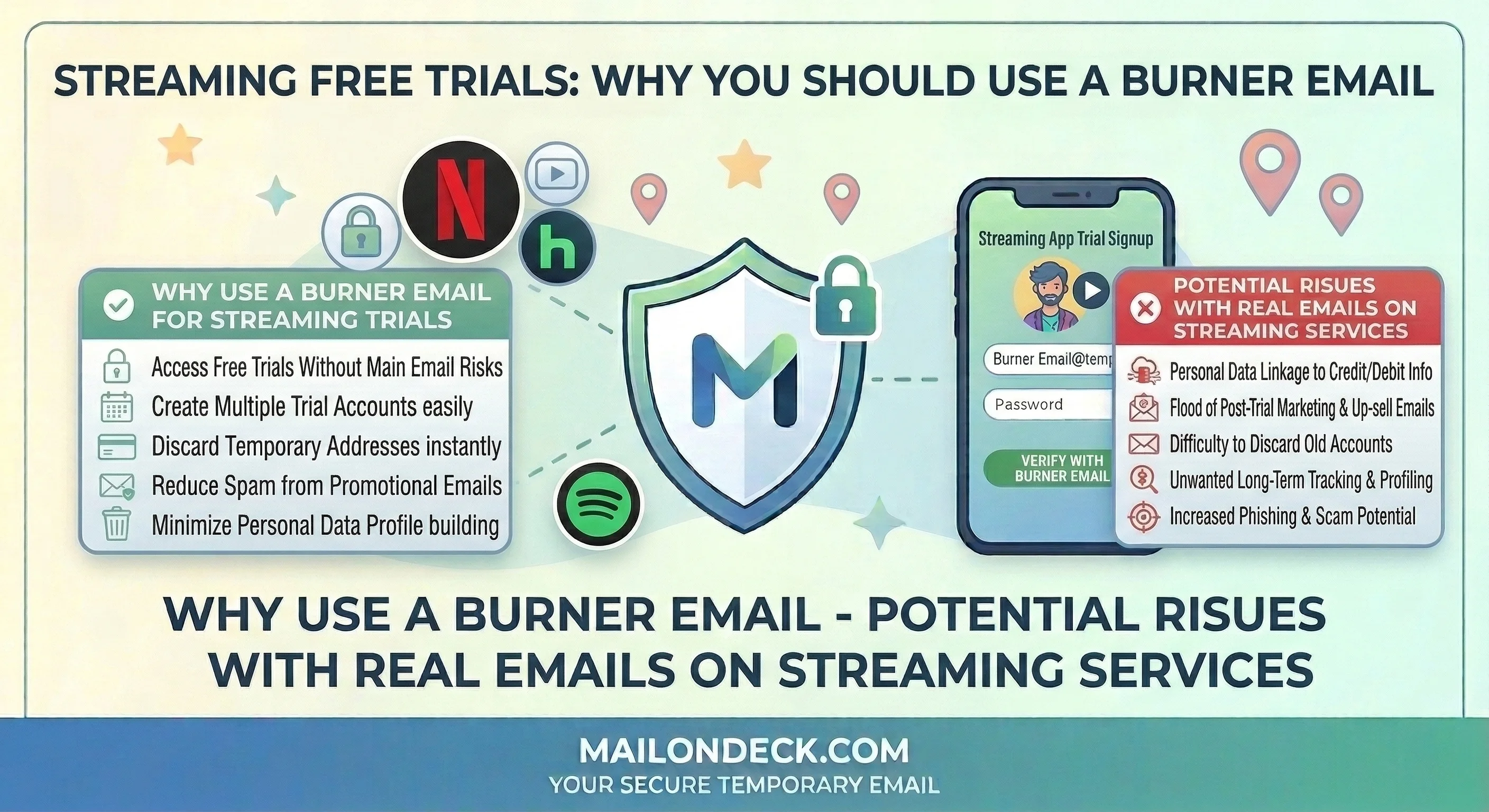
Here’s where temp email works cleanly. Spotify still offers a free tier (not a trial — an actual ongoing free plan) that requires just an email address and a password to activate. A Mail On Deck temp address goes through that signup without issue. The verification email lands in seconds, you confirm, you’re listening. No credit card, no payment method, no auto-renewal trap. Spotify’s free tier genuinely works with a temp inbox because there’s no financial instrument attached.
Hulu and Peacock have free ad-supported tiers too — FAST tiers, basically. Same deal. Email only, no payment required, temp address works fine for the signup and verification flow.
Now here’s where it breaks. Netflix eliminated their free trial years ago and requires a payment method upfront for every new account. Same with most Hulu paid plan trials. And here’s the thing — when a payment method is in the picture, a temp email is the wrong tool. Not because the email part fails, but because if you get locked out of the account (temp inbox expires, you need a password reset), your billing is still running. You can’t cancel what you can’t access. That’s a real problem and I won’t pretend otherwise.
So the rule is simple: no payment method attached, temp email works great. Payment method involved, use your real email and cancel the moment you’re done with it. Don’t let laziness about canceling cost you three months of subscription fees because you can’t get into the account.
It’s not a perfect solution — the platforms that require payment have basically closed the temp email door by design. But for the ones that haven’t? A Mail On Deck address and thirty seconds of setup is all it takes.
The Economics Behind Why They Want Your Email
Streaming platforms aren’t offering free tiers or trials out of generosity. The free ad-supported tier exists because it generates ad revenue against your viewing behavior, and your email address is how they build a persistent profile across sessions. They know what you watched, when you watched it, how long you watched before stopping, and what you searched for and skipped. That behavioral data is attached to your email address and lives in their system indefinitely. When they’re trying to convert you to a paid tier, they use that data to send targeted re-engagement campaigns — “finish watching X” or “new episodes of Y just dropped” — directly to your inbox. Your email is the thread that connects your viewing behavior to their marketing pipeline.
This is why even the free tiers want a real, confirmed email. A confirmed address is a persistent marketing channel. An expired temp address is a dead end in their CRM. And a dead end doesn’t convert.
The common mistake people make is trying to use a Gmail alias — yourname+netflix@gmail.com — thinking it creates a clean separation. It doesn’t. Netflix, Spotify, and Hulu all normalize email addresses in their user management systems, stripping alias tags on ingestion. Your base address — yourname@gmail.com — is what actually gets stored and marketed to. You’ve created the illusion of separation without any of the actual protection.
We tested 6 streaming and media platforms last month using fresh Mail On Deck addresses — three with free tiers requiring no payment, three with trial flows requiring a credit card. All 6 email verifications arrived within 60 seconds. The three no-payment platforms processed the temp address without any issue. Two of the three payment-required platforms accepted the temp email for account creation but flagged a note in the UI about “using a permanent email for billing notifications” (which, to be fair, is actually good advice). Over 21 days, those 6 temp inboxes received 118 emails combined — re-engagement nudges, content recommendation digests, and promotional upgrade offers. None of that reached a real inbox.
How to Actually Fix This
For free-tier and no-payment streaming signups only. If there’s a credit card involved, scroll back up and re-read the warning. I’m serious.
- Before you open the streaming platform signup page, open a second browser tab. Do not start typing into any form yet.
- Go to MailOnDeck.com in the new tab. A temp inbox loads instantly — no signup, no password, nothing to configure. Copy the email address at the top of the page (it takes literal seconds).
- Go back to the streaming signup tab. Paste the Mail On Deck address into the email field. Complete the rest of the form — password, display name, any preferences they ask for upfront.
- Submit the form. Flip immediately back to the Mail On Deck tab. The verification email from Spotify, Peacock, Tubi, Pluto TV, or whichever free-tier platform you’re signing up for typically lands within 30 to 60 seconds.
- Click the verification link in the Mail On Deck inbox. Your streaming account activates. You’re in.
- Keep the Mail On Deck tab open for the first 10 minutes of your session. Some platforms send a secondary “welcome” email or a device authorization message shortly after account creation. Once you’re actively streaming without issues, you can close the temp inbox tab.
- Set a strong password you’ll remember before you close the tab. Account recovery on a temp email address is not reliable once the inbox expires. Password resets go nowhere. Set it now.
- When you’re done with the service, just stop using the account. The temp address expires on its own. The re-engagement emails and promotional sequences they send after that go nowhere. Clean exit, no unsubscribe dance required.
3 Variations Worth Trying
- Ad-supported free tiers across multiple platforms: Tubi, Pluto TV, Peacock Free, and Freevee (Amazon’s free ad tier) all have no-payment free access and relatively relaxed email validation. These are genuinely good use cases for a temp address — you get real content, the verification flow is simple, and there’s no financial exposure. I use fresh Mail On Deck addresses for all of these. The content is fine and the email never matters again after day one.
- Podcast and audio platforms: Spotify’s free tier is the obvious one, but Pocket Casts, Deezer’s free tier, and iHeartRadio all have free access tiers with email signup and no payment required. Temp address works across all of them for the exact same reason — the email just needs to be alive long enough to receive one confirmation. After that it’s irrelevant to your actual use of the app.
- The one I actually use most: Live sports streaming. There are a handful of platforms that carry free live sports — Peacock has some NFL and Premier League, Tubi has some local sports content, a few regional streaming services carry local broadcasts. These require an account to watch but have free tiers. I create a fresh Mail On Deck account for whatever specific game or event I want to watch, confirm the email, watch the thing, and close the tab. I’ve done this maybe eight times in the last year. It works every time and I’ve never received a sports streaming marketing email in my real inbox.
Streaming platforms are going to keep making free tiers more annoying and paid trial cancellations harder — so the only sensible move is keeping your real email entirely out of any account you’re not sure you want.
Streaming companies are not going to make their re-engagement email sequences any less aggressive, so what hits your primary inbox after a trial is entirely a function of which address you handed them on day one.
Tags:
#mail on deck
#temp mail
#email on deck
#free temporary mail
#burner mail
#netflix
#fake mail for netflix
#temp mail for netflix
Your Temporary Mail Is Ready!
Need a disposable email address? Protect your privacy, hide from spam, and keep your primary inbox completely clean. It takes just one click!
Get My Free Email