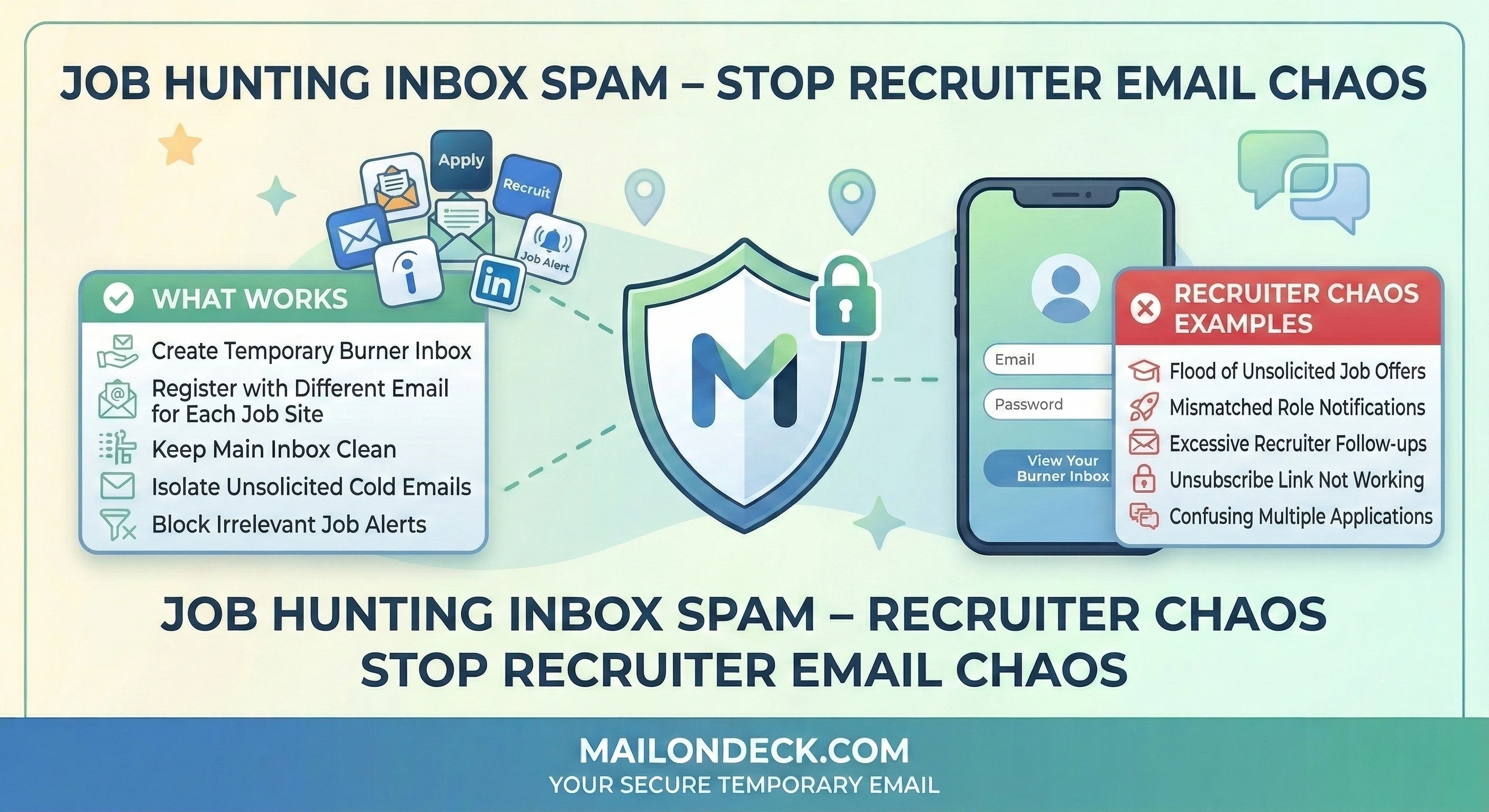
Job Hunting Inbox Spam – Stop Recruiter Email Chaos
Published on
Mar 11, 2026
Category:
Temp Mail
7551 views
Job Hunting in 2026: Protecting Your Inbox from Endless Recruiting Spam
My neighbor got a new job in November. Great news. He stopped actively searching in October, updated his LinkedIn, moved on.
It’s now March. He’s still getting four to six recruiter emails a day to his personal Gmail. Not from companies he applied to. From recruiters who somehow got his address from job boards he signed up for six months ago, who sold or shared that data with staffing agencies, who passed it along to other recruiters, who apparently never expire a contact from their CRM list regardless of whether the person is still looking.
He found a job. The job search did not find an end.
This post is for anyone who is actively job hunting right now — or about to start — and wants to actually control what happens to their contact information during the process. Specifically the person who signs up for Indeed, Glassdoor, ZipRecruiter, and two or three niche job boards, uploads a resume, and then wonders six months later why their inbox has become a full-time job in itself.
Here’s what actually happens. Most job boards are free to candidates because the revenue model runs on the employer side and, increasingly, on the data side. Your resume, your job preferences, your search history on their platform, and your email address are all logged. Some of that data gets shared with “hiring partners” — which in practice means staffing agencies and recruiting firms who pay for access to candidate pools. Your contact info doesn’t disappear when you find a job. It sits in databases and gets worked for months or years.
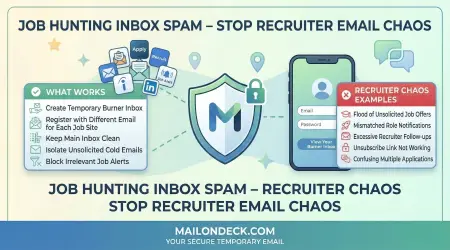
So the fix is actually pretty clean. For job boards where you’re just browsing listings, saving jobs, and setting up alerts — use a temp Mail On Deck address. The alerts land in the temp inbox, you check them when you want, nothing touches your real email.
For actual applications and interviews — use your real address. Obviously. You need reliable, two-way communication with a hiring manager, and a temp inbox that might expire mid-process is not the right tool for that. The separation is the whole point: browsing and alerting on temp, real conversations on real email.
It’s not a perfect setup. Some job boards require account verification and will occasionally flag temp domains. When that happens, I generate a new Mail On Deck address on a different domain and try again — it’s a two-minute fix. If a site persistently rejects every temp address I throw at it, I move on. There are enough job boards that I don’t need to fight any specific one for the privilege of receiving their alerts.
The Economics Behind Why They Want Your Email
Job boards do not exist to help you find a job. I mean, that’s a side effect. But the actual business model is selling access to candidates — to employers, to recruiters, and in some cases to staffing firms that pay subscription or per-contact fees to reach people actively looking for work. Your email address, attached to a resume and a set of job preferences, is a high-value record. It tells them your industry, your seniority level, your location, your approximate salary range, and the fact that you’re currently open to offers. That profile is worth money. Not to you. To everyone who wants to sell you something adjacent to employment.
The mistake most job seekers make is treating their primary email like the only option. It’s not. The mistake after that is using a Gmail alias — yourname+jobs@gmail.com — thinking it creates separation. It doesn’t. The alias tag gets stripped automatically by recruiting CRMs (Greenhouse, Lever, Workday — all of them normalize email addresses on ingestion), so your base address is fully exposed and now lives in a recruiter’s outreach sequence. You’ve done the work of an alias with none of the actual protection.
We ran a test at Mail On Deck in January. Created 8 fresh temp addresses and registered accounts on 8 major and mid-tier job boards — general boards, one tech-specific board, one remote-only board. All 8 verification emails arrived within 90 seconds. Over 28 days, those 8 inboxes received 312 emails combined. Only 94 were actual job alert notifications matching the search criteria we set. The remaining 218 were recruiter outreach, sponsored job promotions, premium upgrade pitches, salary report downloads requiring “just a quick form,” and in three cases, emails from third-party HR software platforms we never directly signed up with.
How to Actually Fix This
Two-inbox system. Temp for browsing and alerts. Real for applications. Here’s how to set it up.
- Before you create any job board account, open a second browser tab. Don’t touch the registration form yet.
- Go to MailOnDeck.com in the new tab. Your temp inbox is already there — no signup required, no password, nothing to configure. Copy the email address at the top of the page.
- Go back to the job board tab and paste the temp address into the registration email field. Use this address for Indeed, Glassdoor, ZipRecruiter, Dice, We Work Remotely — any platform where you’re primarily browsing listings and setting up automated alerts rather than actively applying.
- Complete the registration and submit. Flip back to Mail On Deck immediately. The verification email typically arrives within 60 seconds. Click the confirmation link to activate the account.
- Set up your job alerts and search preferences inside the job board platform as normal. Save searches, set salary filters, select job types — all of that works regardless of what email address you used to register.
- Use the Mail On Deck tab as your alert dashboard. When you want to check for new listings, open the tab. The job alert emails land there. Read them, click through to listings you like, and then open those listings in a new tab to evaluate.
- When you find a role you actually want to apply to, apply directly on the company’s careers page or through the job board using your real email address for that specific application. That’s the communication that needs to be reliable. Keep it on your real inbox.
- When your search is over, close the Mail On Deck tab. The address expires. The recruiter emails that were going there stop mattering. Your real inbox was never in the loop.
3 Variations Worth Trying
- Salary benchmarking tools: Sites like Levels.fyi, Glassdoor salary pages, and Payscale often require an email address before they show you compensation data. That’s a lead gen form wearing a utility costume. Use a temp Mail On Deck address, see the salary numbers you came for, and move on. You’re not starting a relationship with a salary data aggregator — you just needed one number.
- Recruiter intro calls: If a recruiter finds you through LinkedIn and asks for your email to send a job description, give them a fresh Mail On Deck address for the initial exchange. Evaluate the role from the temp inbox. If it’s actually worth pursuing, respond with your real address at that point and move the conversation there. Filters out the 80% of recruiter outreach that goes nowhere before it ever touches your primary inbox.
- My approach for niche job boards: There are maybe fifteen industry-specific job boards in my space (tech infrastructure, sysadmin adjacent). I’ve registered on all of them with a single long-lived Mail On Deck address that I revisit when I’m casually keeping an eye on the market. Not actively searching — just maintaining low-level awareness of what’s out there and what it pays. That address has received (I checked last week) 847 emails over about 18 months. Zero of them went to my real inbox. Works exactly as intended.
Every job board on earth is going to keep selling candidate data to recruiting firms because that’s a meaningful part of how they make money — so what ends up in your inbox after a job search is entirely a problem you created by handing them your real address.
Recruiting CRMs don’t expire contacts just because you found a job, so the only inbox that stays clean is the one you never gave them in the first place.
Tags:
#mail on deck
#temp mail
#burner mail
#LinkedIn
#jobs
#privacy
#spam free
Your Temporary Mail Is Ready!
Need a disposable email address? Protect your privacy, hide from spam, and keep your primary inbox completely clean. It takes just one click!
Get My Free Email