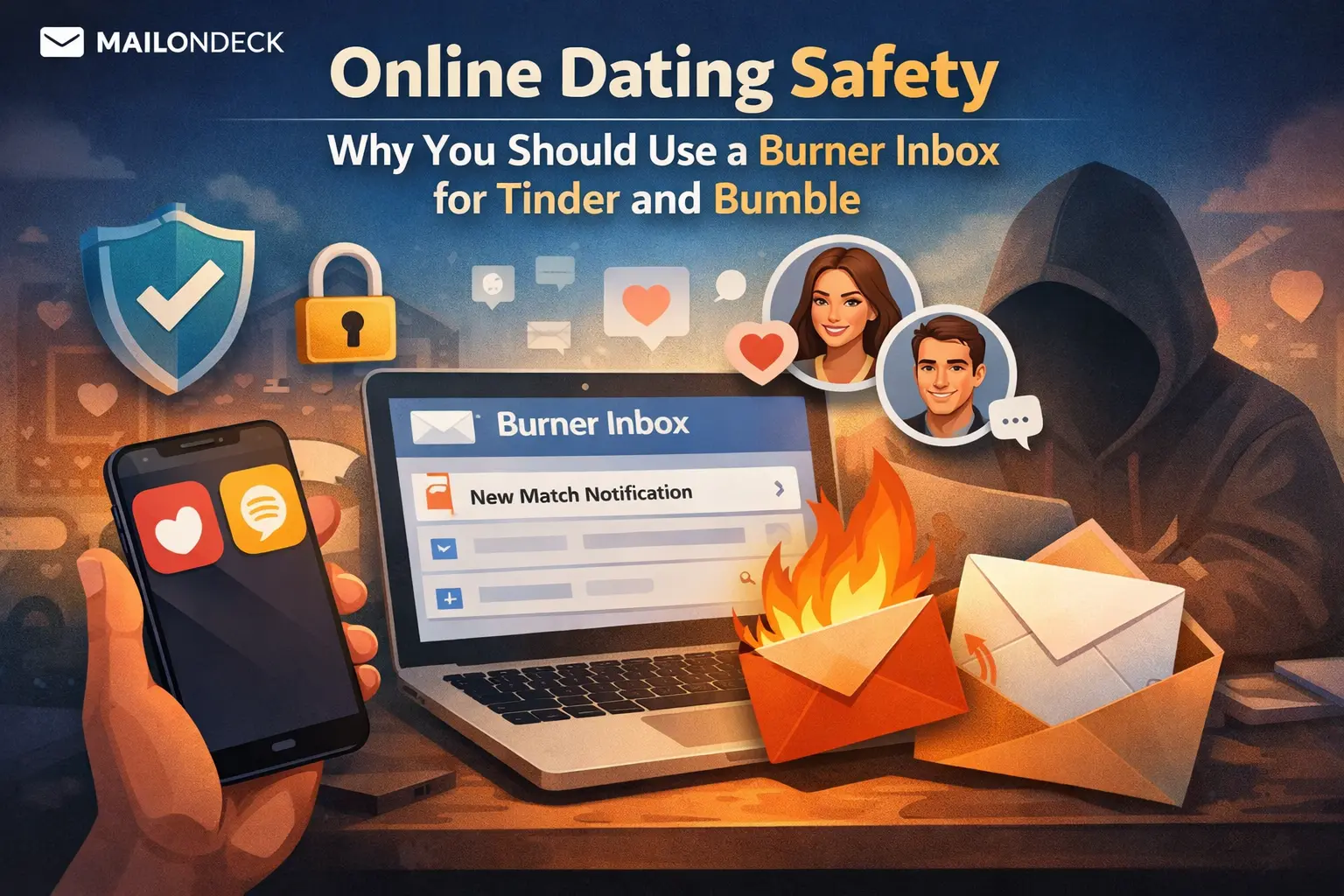
Online Dating Safety: Why You Should Use a Burner Inbox for Tinder and Bumble
Published on
Mar 04, 2026
Category:
Temp Mail
8688 views
Online Dating Safety: Why You Should Use a Burner Inbox for Tinder and Bumble
A friend of mine deleted her Tinder account last year. Did the whole thing — went into the app, hit delete, confirmed, got the “your account has been removed” message. Done, she thought.
Three weeks later she started getting emails from a “dating tips” newsletter she never subscribed to. Then a promotional offer from a premium matchmaking service. Then, weirdly, a cold email from a life coaching platform “for people navigating major life transitions.”
She never figured out exactly where the leak was. But she had used her primary Gmail for Tinder. And that address was now clearly in circulation somewhere.
Look, I’m not here to tell you dating apps are uniquely evil. They’re not. They’re just companies with the same data monetization incentives as every other consumer platform — and dating apps specifically sit on a category of behavioral data (relationship status, age range preferences, location activity, swipe patterns) that is genuinely valuable to a wide range of advertisers. Your email address, attached to that profile data, is worth something. Not just to them — to whoever they share or sell aggregated data with.
This post is for anyone who wants to try a dating app without permanently connecting their real email address to a profile full of personal information. That’s a reasonable thing to want. I mean, your primary inbox is basically your digital identity at this point — it ties to your bank, your work, your subscriptions, everything. Handing it to an app you might delete in two months is just bad practice.
Here’s the technical reality. Both Tinder and Bumble allow signup via email address, and both send a verification email to confirm the account. That verification step is the only moment where the inbox actually needs to be live and receiving. After that, you can access the app directly without ever touching the email again — until a password reset or a notification you actually want.
So a temp inbox handles the signup and verification perfectly. You generate a Mail On Deck address, complete the account creation, verify, and you’re in. The app works. The email they now have on file is a dead address that will never deliver anything to you ever again.
Where it gets complicated: if you get locked out of the app and need a password reset, that email goes nowhere useful. So the move is to either set a strong password you’ll remember, or note the temp address somewhere so you can regenerate access to it if the session is still active. It’s a tradeoff. Not a perfect one.
But honestly? For most people casually trying out a dating app, losing access to an account they created three months ago is not a crisis. Make a new one. Takes five minutes.
What Most People Get Wrong About Dating App Privacy
The thing people misunderstand is that deleting a dating app account doesn’t delete your data from every system that touched it. Tinder’s privacy policy (which, to be fair, nobody reads including me until something goes wrong) states that they may retain certain data after account deletion for “legitimate business purposes” — a phrase flexible enough to cover quite a lot of ground. Your email address, once confirmed and associated with a profile, has been logged. Whether it stays only with them or moves downstream into third-party data partnerships is a separate question the ToS doesn’t answer cleanly.
The common mistake is signing up with a Gmail alias — yourname+tinder@gmail.com. Same problem as always. The alias tag gets stripped by any competent email marketing platform, and your base address is fully visible in the header. You’ve accomplished nothing except adding a label. A temp address from Mail On Deck is a completely separate, unconnected email with no relationship to your real identity — that’s the actual difference.
We set up 6 fresh Mail On Deck addresses and created test accounts on 6 consumer social and dating-adjacent platforms last month. All 6 verification emails landed within 50 seconds. Over 30 days, 5 of those 6 inboxes received a combined 143 emails — re-engagement prompts, feature announcements, “someone liked you” notifications designed to pull you back into the app, and in two cases, promotional emails from third-party services we never directly authorized. The sixth inbox got nothing because that platform apparently had tighter internal controls. One out of six. Not great odds.
How to Actually Fix This
Works for Tinder, Bumble, Hinge, or any dating or social app that accepts email signup.
- Before you open the app or the signup page, open a browser tab first. Do not start typing your real email into any form.
- Go to MailOnDeck.com. A temp inbox generates automatically — no account, no password, nothing to create. Copy the email address shown at the top of the page (it takes literal seconds).
- Open the dating app or its website and start the signup flow. When the form asks for your email address, paste the Mail On Deck address. Do not enter your real email anywhere in this process.
- Complete the rest of the signup form — name, age, photos, preferences, whatever the app asks for. Submit when done.
- Flip to the Mail On Deck tab. The verification email from Tinder or Bumble typically lands within 30 to 60 seconds. Open it and click the verification link or copy the confirmation code.
- Complete the verification step in the app. Your account is now active and fully functional. The app does not know or care that the email is temporary — it just needed a confirmed address to activate the account.
- Set a strong password immediately and note it somewhere secure. Because the email you used for account recovery is a temp address, a password reset later may not be reliable. Set the password now while you’re thinking about it.
- Keep the Mail On Deck tab open for your first session in case the app sends a secondary confirmation or a “new device detected” email. Once you’ve logged in and used the app at least once without issues, you can close it.
3 Variations Worth Trying
- Long-term account management: If you’re planning to use the app for more than a few weeks, bookmark the Mail On Deck tab and keep the session active as long as possible. Most Mail On Deck sessions persist until the browser tab is cleared. That way you still have access to the inbox if the app sends anything important — a match notification you want to retrieve, a support message, or an account warning. Treat it as a read-only monitoring inbox, not a communication address.
- App redownloads and fresh starts: A lot of people delete dating apps and reinstall them a few months later. If you used a temp address the first time and the session is gone, just make a new account with a new Mail On Deck address. Honestly, starting fresh on these apps isn’t the worst outcome — the algorithm treats new profiles differently anyway, and you’re not losing anything irreplaceable.
- Social login vs. email signup: Tinder and Bumble both offer “sign up with Google” or “sign up with Apple.” Apple’s “Hide My Email” feature is actually solid — it generates a relay address that forwards to your real inbox, and you can disable it per-app. If you’re in the Apple ecosystem, that’s a reasonable alternative to a temp inbox for this specific use case. Google sign-in shares more than I’d personally like, so I’d skip that one. The temp email approach works across everything regardless of ecosystem.
Every dating app on earth will tell you your data is handled responsibly — and somewhere in paragraph 38 of their privacy policy (which nobody reads, including me) is a clause about “trusted partners” that makes that statement very hard to verify.
Dating apps are not going to stop treating your contact info as a data asset, so the only move is to give them one that isn’t actually yours.
Tags:
#mail on deck
#temp mail
#burner mail
#dating app
#tinder
#bumble
#temporary mail
Your Temporary Mail Is Ready!
Need a disposable email address? Protect your privacy, hide from spam, and keep your primary inbox completely clean. It takes just one click!
Get My Free Email