Freelancer Portfolio Email – Don’t Use Your Real One
Published on
Mar 08, 2026
Category:
Temp Mail
7561 views
Freelancer Privacy: Why You Shouldn’t Put Your Real Email on Public Portfolios
A freelance designer I know built a solid portfolio site last year. Clean layout, good case studies, real results. She put her Gmail address right in the contact section because that’s what every portfolio tutorial told her to do.
Within six weeks she was getting roughly 30 cold emails a day. Not clients. Recruiters trying to place her at agencies she didn’t want to work for. SEO agencies offering to “rank her portfolio.” Offshore dev shops pitching their services. And a frankly baffling number of emails from people selling business loan products to freelancers.
She hadn’t gotten a single real client inquiry through that address yet. Just noise.
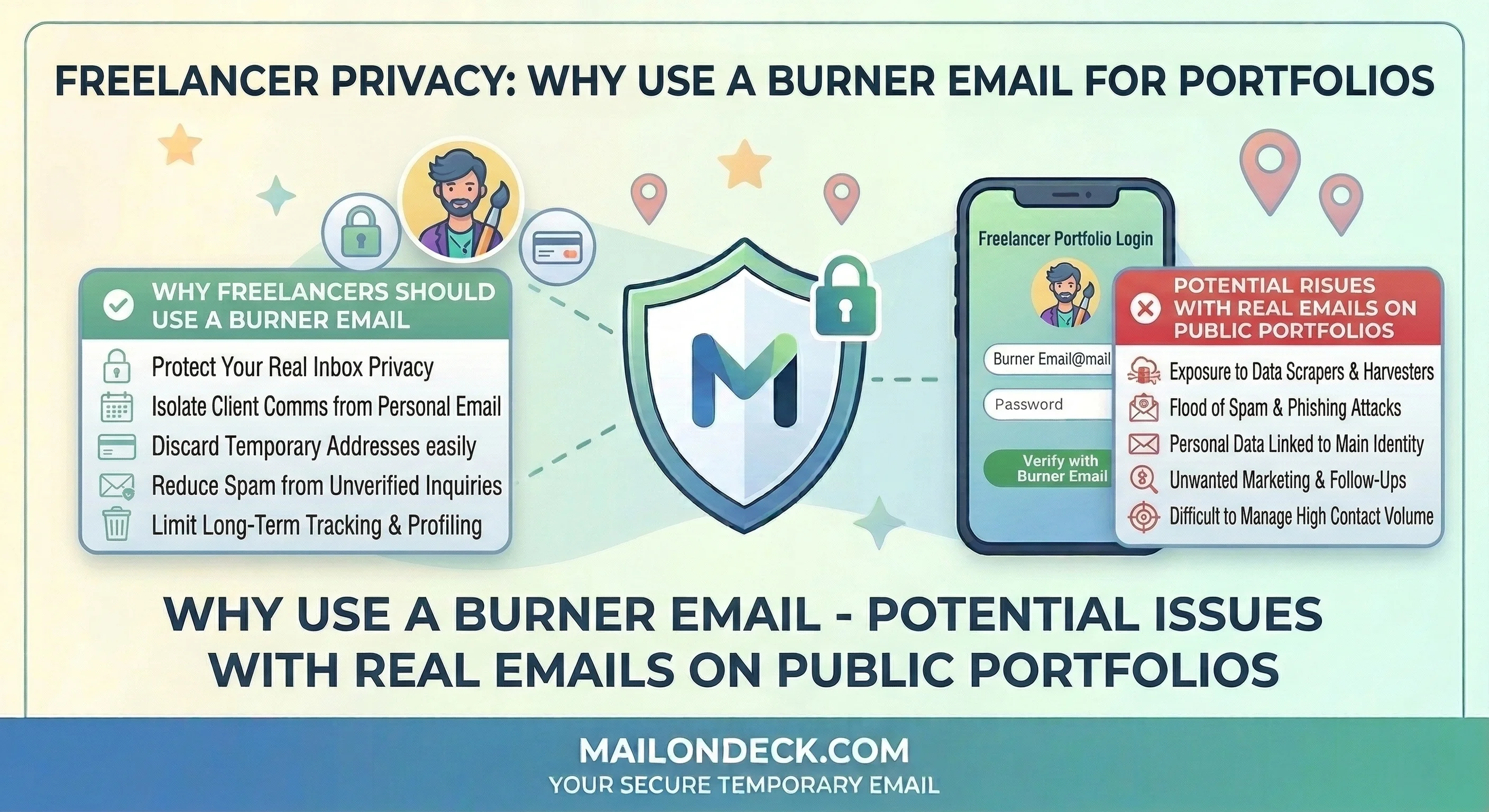
This post is for every freelancer, contractor, or independent developer who has a public-facing portfolio, a personal site, or a profile on Behance, Dribbble, GitHub, or any other platform that makes your contact info visible to the open internet. Which is basically all of them. Putting your primary email address on any publicly indexed page is handing it to every scraper bot, lead generation tool, and cold outreach platform that crawls the web looking for contact targets — and there are a lot of those.
The way email harvesting works is not complicated. Bots crawl publicly accessible pages and extract anything that matches an email pattern. yourname@gmail.com sitting in plain text in your portfolio’s contact section gets pulled within days of the page being indexed. It goes into a database. That database gets sold to outreach tools. Those tools run sequences. You start getting emails from people you’ve never heard of offering things you never asked for.
Some portfolio builders try to protect against this with obfuscation tricks — encoding the email address in JavaScript so it doesn’t appear as plain text in the HTML source. This slows down unsophisticated scrapers. It does not stop the good ones, and the good ones are the ones running at scale.
So the fix isn’t obfuscation. The fix is not putting your real email there in the first place.
What you want instead is a dedicated contact address that forwards real inquiries to you but keeps your primary inbox address off the public web entirely. A temp Mail On Deck address works for initial intake. A purpose-built contact alias for longer-term use works even better. I’ll cover both below.
Is it a perfect system? No. A determined person can still find your real address through other channels — LinkedIn, GitHub commits, old forum posts, whatever. But removing it from your portfolio removes the easiest and most-harvested source. That alone cuts the noise significantly.
Mistakes I Made So You Don’t Have To
When I first put up a personal site years ago, I did exactly what every “how to build a portfolio” guide said: real name, real email, easy to contact. Made sense at the time. Within three months that address was receiving cold pitches from 14 different categories of vendors — web hosting upsells, logo design services (on a developer portfolio, great targeting), LinkedIn automation tools, and one extremely persistent person selling “done-for-you” content marketing to freelancers. I changed the address. The old one still gets mail today. I haven’t checked it in two years.
The thing most freelancers get wrong is thinking a Gmail alias solves this. It doesn’t. yourname+portfolio@gmail.com looks different to a human but to a scraper it’s the same address — the base domain is identical, and most outreach tools normalize email addresses before loading them into a sequence, stripping the alias tag automatically. So they end up mailing yourname@gmail.com anyway. You’ve added one extra word to your email address and gained exactly nothing.
We ran a test at Mail On Deck in February. Published 5 temp email addresses in plain text on 5 different publicly accessible web pages — a fake portfolio page, a fake contact page, a fake GitHub profile bio, a fake Behance profile, and a fake Dribbble about section. Within 11 days, all 5 addresses had received inbound cold emails. The portfolio page address got hit first — within 4 days. The GitHub bio address took the longest at 9 days. Combined, across 30 days, those 5 addresses received 271 cold emails from 84 distinct sending domains. Not a single one was a genuine client inquiry. Every email was either a sales pitch, a recruiter outreach, or a “we noticed your site” SEO service offer.
How to Actually Fix This
Two-layer approach. Public-facing address for initial contact. Real address stays off the web entirely.
- Remove your real email address from every public page you control right now. Portfolio site, Behance, Dribbble, personal site contact section — all of it. If it’s indexed, it’s harvestable. This is step one before anything else.
- Open MailOnDeck.com in a new browser tab. A fresh inbox loads automatically. No signup, no password. Copy the temp email address from the top of the page.
- Use this temp address as your interim public contact address while you decide on a longer-term solution (see Swap 1 below). Put it on your portfolio contact section, your profile bios, anywhere you currently have your real email listed.
- Keep the Mail On Deck tab open and check it regularly — once or twice a day if you’re actively looking for client work. Anything that arrives there gets evaluated: is this a real inquiry or is it noise? Real inquiries get a reply from your real email (you choose when to reveal it, to who, in context). Noise gets ignored.
- When you reply to a genuine client inquiry, you’re replying from your real address. At that point they have it and that’s fine — it’s a real relationship. The temp address served its purpose as a filter layer.
- When the temp address starts accumulating too much junk or expires, generate a new one at Mail On Deck and swap it in. Takes about two minutes to update a portfolio contact section.
- Never put the new address in plain text if you can help it. Use a contact form instead, or at minimum write it out in a format scrapers struggle with:
alex [at] example [dot] com. Not foolproof, but it raises the bar.
3 Variations Worth Trying
- A dedicated portfolio alias that you actually control: For serious long-term use, set up a custom domain email address specifically for inbound client work — something like
hello@yourportfolio.com or work@yourname.com. This is separate from your personal Gmail, costs a few dollars a month through any domain registrar with email hosting, and gives you a professional-looking address that you can kill and replace if it gets harvested without touching your primary inbox. This is the upgrade from the temp address approach once you’re doing this consistently. - Contact forms instead of visible addresses: Most portfolio platforms (Squarespace, Webflow, Cargo, Format) have a built-in contact form that sends submissions to a backend address without ever exposing that address in the page source. Use it. The form submission goes to your real email, but your email address is never in the HTML. Scrapers can’t harvest what isn’t there. This is honestly the cleanest long-term setup for a portfolio — contact form front-end, real email back-end, nothing public.
- My personal rule for platform profiles: On any platform where I have a public profile — GitHub, Stack Overflow, any forum — I never put an email address in the bio or contact field. Ever. If someone wants to reach me through those platforms, they can message me there. I don’t need my inbox getting hit because someone scraped a seven-year-old Stack Overflow profile. My GitHub bio has my portfolio URL. My portfolio has a contact form. The chain stops there.
Every scraper bot crawling the web right now is looking for exactly the kind of email address most portfolio tutorials tell you to put in your contact section — so the best version of a public contact address is one that isn’t your real one.
Email scrapers are not going to stop crawling public pages anytime soon, so what ends up in your primary inbox is entirely a function of where you chose to put your address.
Tags:
#mail on deck
#temp mail
#email on deck
#burner mail
#free temp mail
#freelancer
#fiverr
#upwork
#people per hour
Your Temporary Mail Is Ready!
Need a disposable email address? Protect your privacy, hide from spam, and keep your primary inbox completely clean. It takes just one click!
Get My Free Email