Can I Use Mail On Deck for Coursera Signup - What Works, What Fails!
Published on
Mar 06, 2026
Category:
Temp Mail
7506 views
Mail On Deck for Coursera Signup – What Works, What Fails, and When to Switch
A friend of mine signed up for a free Coursera audit last October. Just wanted to watch some Python lectures. Free tier, no payment info, nothing fancy.
By December she had 47 emails from Coursera. Weekly “you haven’t finished your course” nudges, promotional offers, partner university announcements, “courses you might like” digests. And one extremely aggressive sequence about upgrading to Coursera Plus that ran for three straight weeks.
She audited one course. One.
So when people ask me if they can use Mail On Deck for Coursera signups, the honest answer is: yeah, mostly. And honestly, the main reason to do it isn’t because Coursera is doing anything particularly shady — it’s just that their email volume is genuinely exhausting for someone who just wants to learn something without signing a lifetime subscription to their marketing department.
This post is for the person who wants to browse a few free courses, maybe audit one or two, and not spend the next six months unsubscribing from a drip campaign built by a product team whose entire job is to convert free users into paid users.
That’s a totally reasonable thing to want.
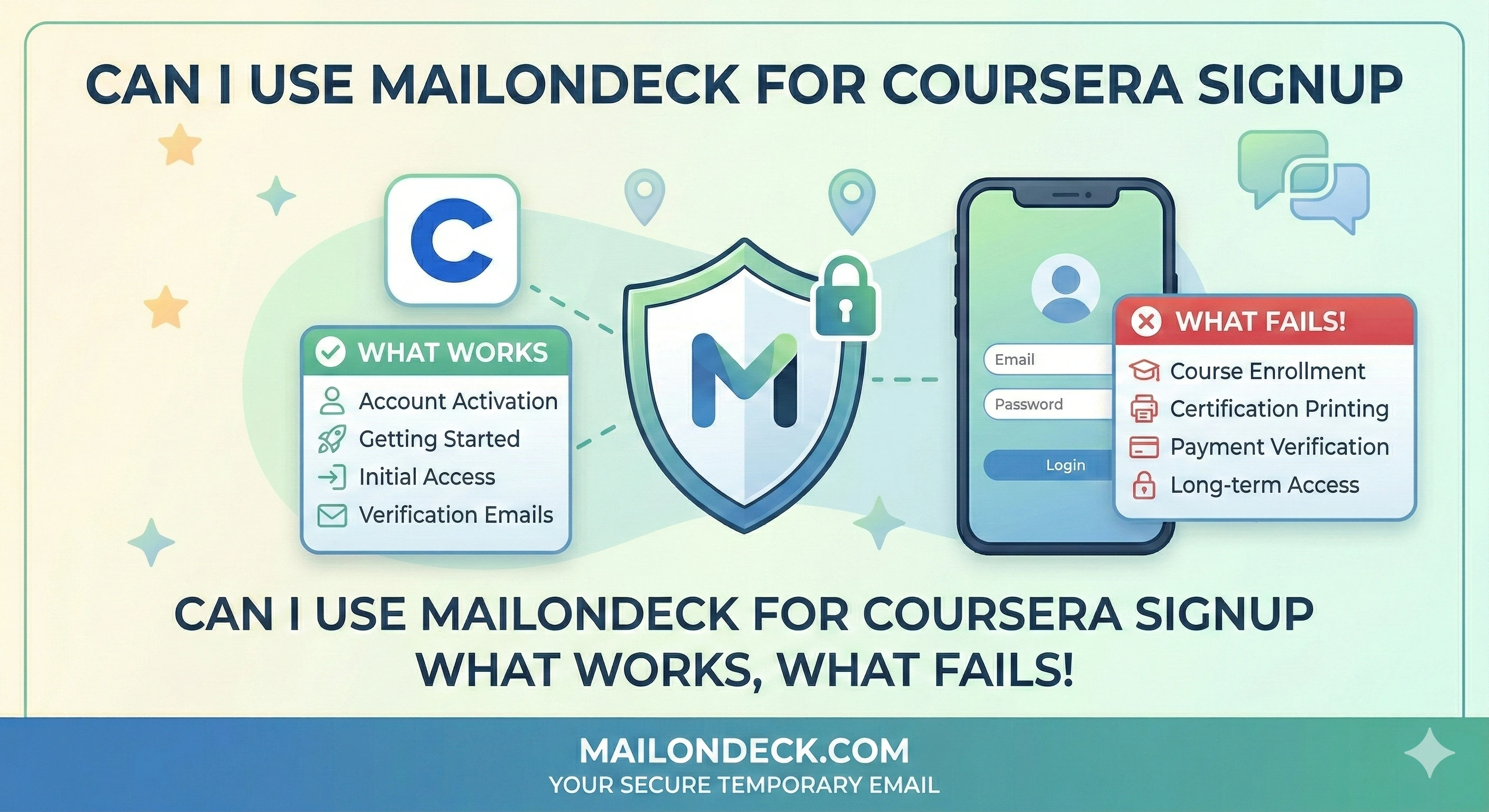
Here’s where it gets slightly complicated. Coursera does require email verification on signup — they send a confirmation link, you click it, account activates. That part works fine with a temp inbox. Mail On Deck receives the email, you click the link, you’re in.
The friction shows up later. If you ever get logged out and need to reset your password, that email goes to a temp address that’s probably already expired. So you’re locked out. That’s the real tradeoff here — not a technical failure, just a practical one.
It’s not a perfect solution. Nothing in privacy tooling is. If Coursera blocks the temp domain (it happens occasionally, not consistently), I just generate a new Mail On Deck address on a different domain and try again. Takes 20 seconds. If they’ve blocked every domain rotation I have, then fine — they don’t get my attention without getting my data. I’ll find the lecture on YouTube.
But for most people browsing free content? The temp approach works just fine.
The Economics Behind Why They Want Your Email
Coursera isn’t a charity. They’re a publicly traded edtech company with a very specific business model: get you in on the free tier, confirm your email address, then run a long conversion sequence until you upgrade to a paid certificate or Coursera Plus subscription. The email address isn’t incidental to this — it’s the whole mechanism. A verified, active email address is the pipeline. Without it, their re-engagement and upsell campaigns don’t work.
So when they ask you to verify your email, they’re not doing it to protect your account. I mean, technically they are — but the business reason is that a confirmed address is an asset they can market to indefinitely. That’s worth understanding before you hand over your primary inbox.
The mistake most people make is using a Gmail alias — yourname+coursera@gmail.com. Feels clever. Doesn’t actually work. The base address is fully visible in the email header (any ESP worth anything strips the alias tag automatically), so you’ve accomplished nothing except labeling your real address as “this person cares about spam and still gave it to me anyway.” Not great.
We ran a small test at Mail On Deck — signed up for 8 free edtech platform accounts (Coursera included) using fresh temp addresses. All 8 verification emails arrived within 45 seconds. Over the next 21 days, those 8 inboxes received 167 emails total. Coursera alone sent 31. That’s not a complaint, just a number worth knowing before you decide which email to hand over.
How to Actually Fix This
Exact steps. No padding.
- Open a second tab before you touch the Coursera signup form. Do this first. Don’t fill anything out yet.
- Go to MailOnDeck.com in that second tab. A temp inbox generates automatically — no account, no password, no setup. It’s just there. Copy the email address (it takes literal seconds).
- Go back to the Coursera tab. Paste the temp address into the email field. Fill out the rest of the form — you can use whatever name you want on a free account, Coursera doesn’t verify identity for audit access.
- Submit the signup form. Flip back to the Mail On Deck tab immediately. The Coursera verification email typically lands in under 60 seconds.
- Click the confirmation link in the Mail On Deck inbox. Your Coursera account activates. You’re in.
- Do not close the Mail On Deck tab yet. Some platforms send a secondary “welcome” email with a login shortcut or device confirmation link a few minutes later. Keep the tab open until you’ve successfully logged into Coursera at least once.
- Bookmark or note the temp address if you plan to use the account for more than one session. If you get logged out and need a password reset before the address expires, you’ll need it. If the address has already expired, you’ll need to make a new account — so plan accordingly for anything longer than a single browsing session.
3 Variations Worth Trying
- Swap 1 — Audit-only accounts: If you just want to watch free lecture videos without enrolling, Coursera lets you audit most courses without submitting assignments or getting graded. For pure auditing, the temp email approach is basically zero-risk — you don’t need account recovery because there’s nothing to recover. Watch the videos, close the tab, move on. The inbox can expire.
- Swap 2 — Paid certificates and verified IDs: This is where you switch to your real email. If you’re paying for a certificate or a degree program, Coursera requires identity verification and the certificate gets issued to the account on file. Temp email is the wrong tool here. Use it for browsing, not for anything you’re paying for or putting on your LinkedIn.
- Swap 3 — My personal setup: I keep a semi-permanent Mail On Deck address specifically for edtech platforms — Coursera, edX, Udemy, the whole category. I revisit the same inbox tab in my browser as long as the session is active. When it eventually expires, I generate a new one and make a fresh account. I’ve never once needed course progress to carry over, because I either finish something in one go or I find the same content somewhere else. Works for me. Might not work for everyone.
Every privacy blog on earth will tell you Coursera’s unsubscribe button is somewhere in the account settings. Sure. Or you just never give them a real address in the first place and skip the whole conversation.
Coursera’s marketing team is not going to slow down anytime soon, so what lands in your inbox is entirely your problem to manage.
Tags:
#mail on deck
#temp mail
#coursera
#free email
#email on deck
#temporary mail
#burner mail
Your Temporary Mail Is Ready!
Need a disposable email address? Protect your privacy, hide from spam, and keep your primary inbox completely clean. It takes just one click!
Get My Free Email